Case study · Smart workplace hardware
WCD from Sharp
The interface for a 70-inch meeting-room display that won Best of ISE 2019.
The Windows Collaboration Display from Sharp is a 70-inch 4K touch display for meeting rooms. Built-in sensors read temperature, air quality and humidity, and it works with Microsoft Azure and Teams.
A team of fewer than ten built it end to end, so everyone wore several hats. Huy led UX research, journeys and information architecture, and delivered the full UI: design system, prototypes and animation.
Design for a screen people stand in front of. With few references to copy, every call on visibility, reach and blocking came from research and testing in real rooms.
- 01Studied reach, visibility and blocking in real rooms
- 02Mapped user journeys and information architecture
- 03Designed home, setup and settings
- 04Built a design system sized for a 70-inch canvas
- 05Prototyped and animated key interactions
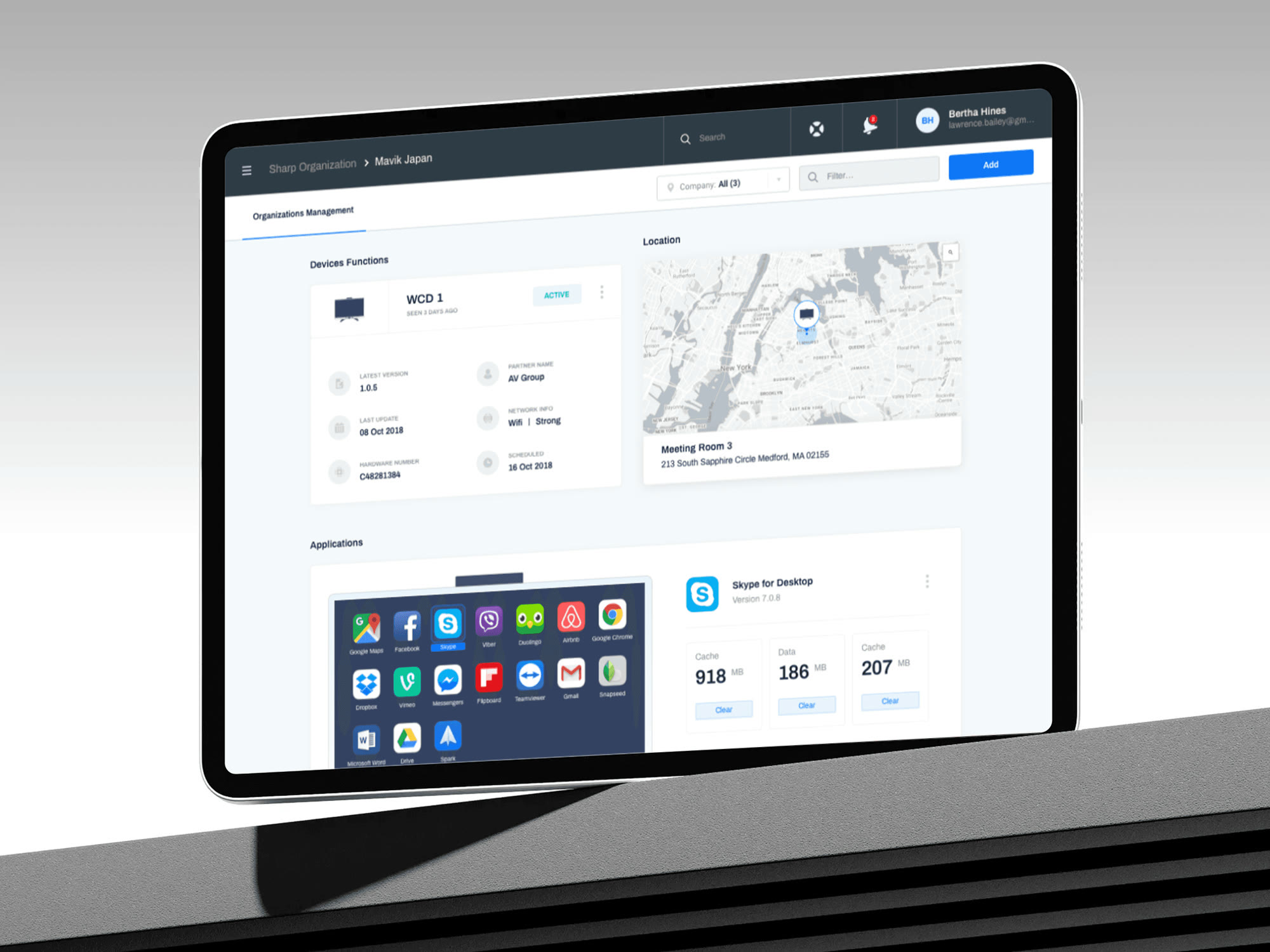
- 06Designed two platforms to manage displays remotely
One screen, a whole room.
Scope at a glanceProduct and award facts as published in the case on phamhuyds.com.
The room
Read from your seat, used up close.
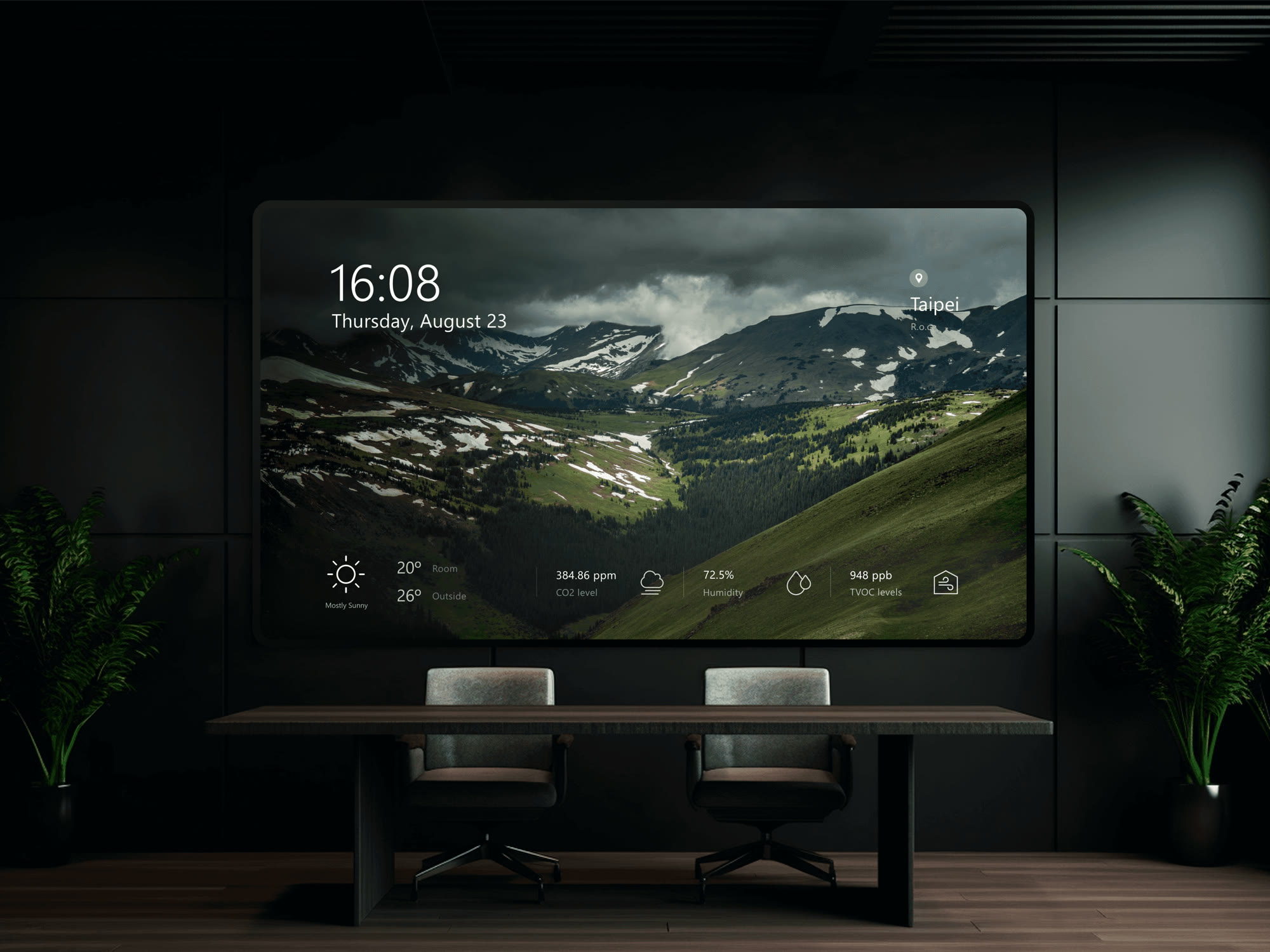
At rest the display is part of the room: time, weather and room data, large enough to read from the table. Walk up, and controls sit where a hand lands.
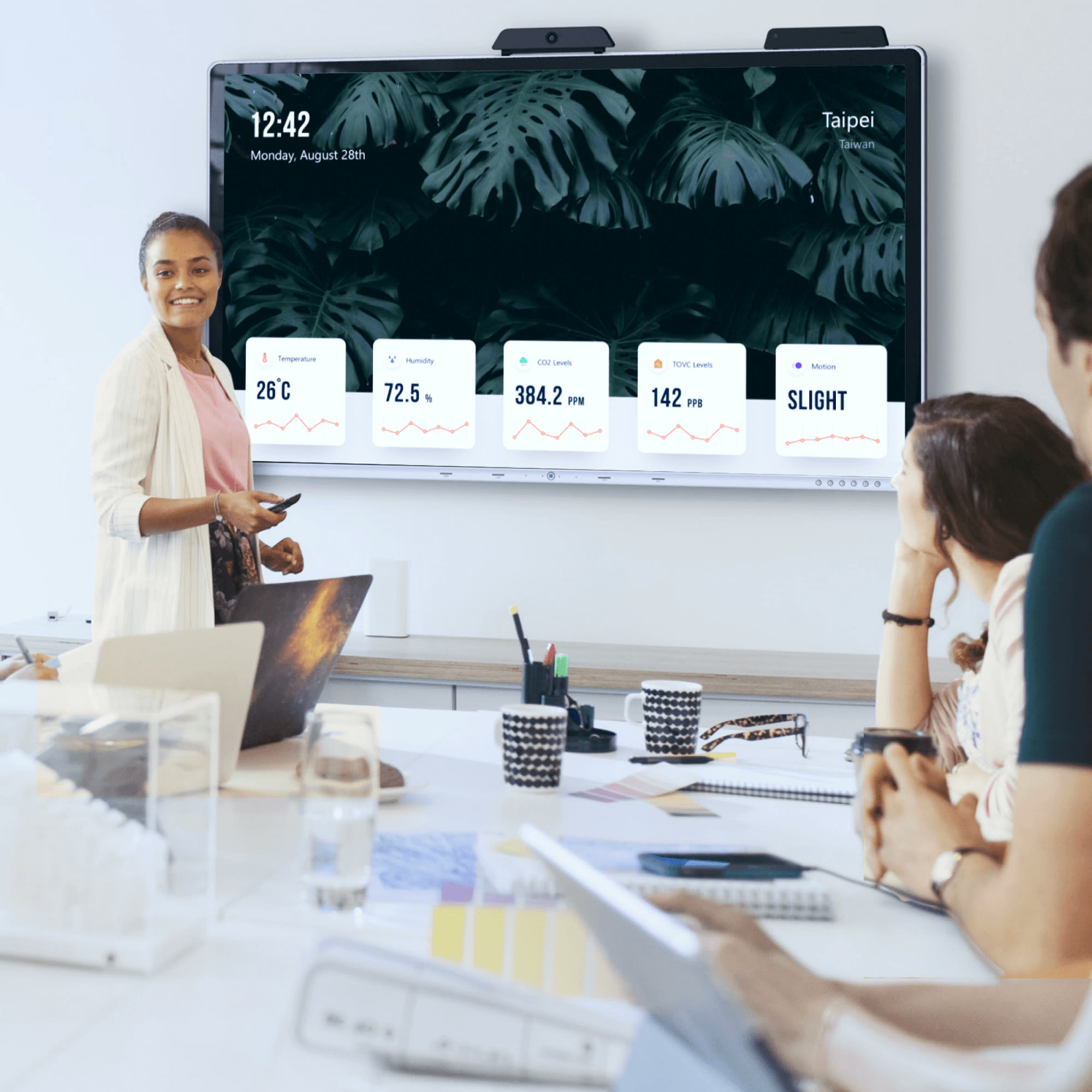
Room sensors on the home screen: temperature, humidity, CO₂ and noise.
Interface
Calm at rest, clear on touch.
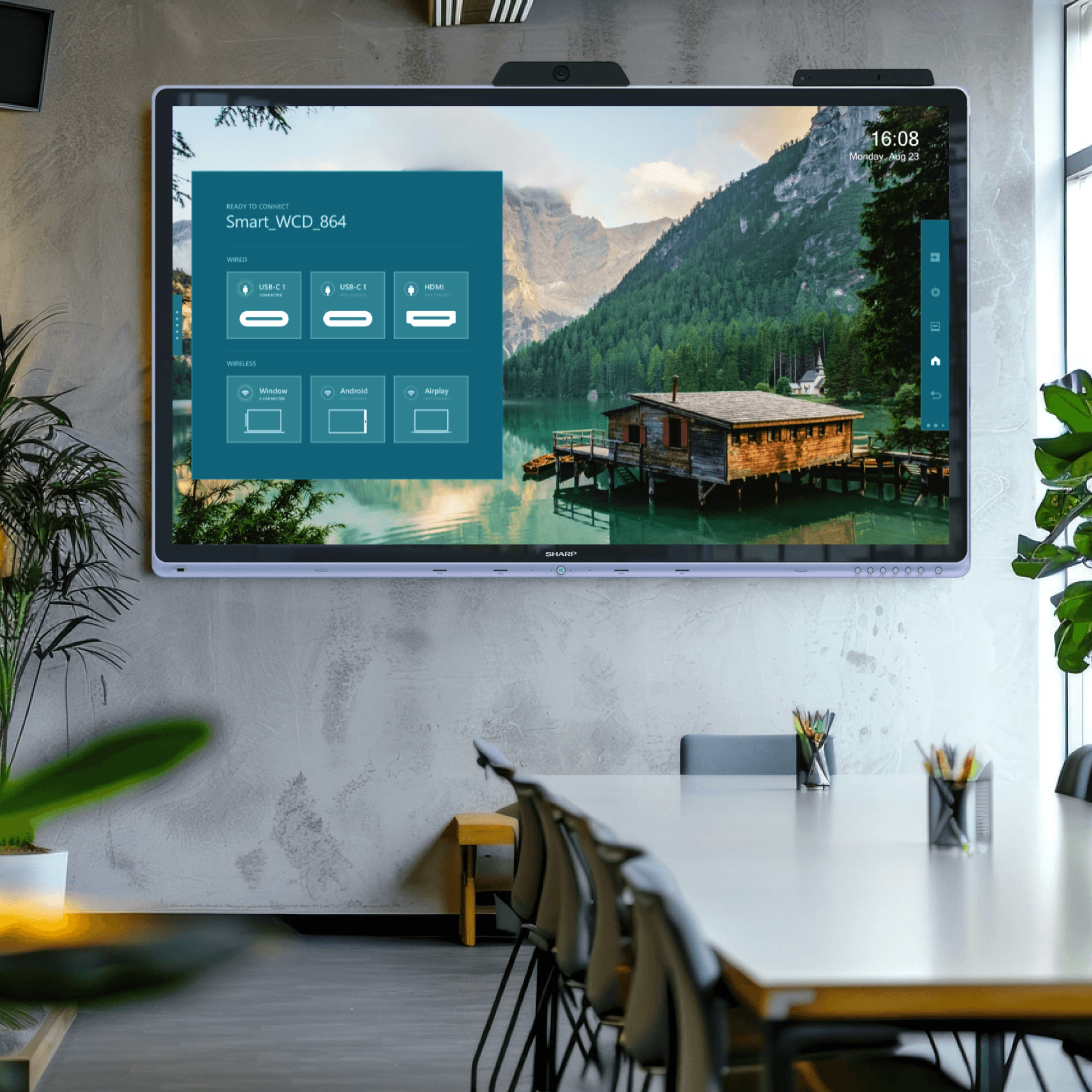
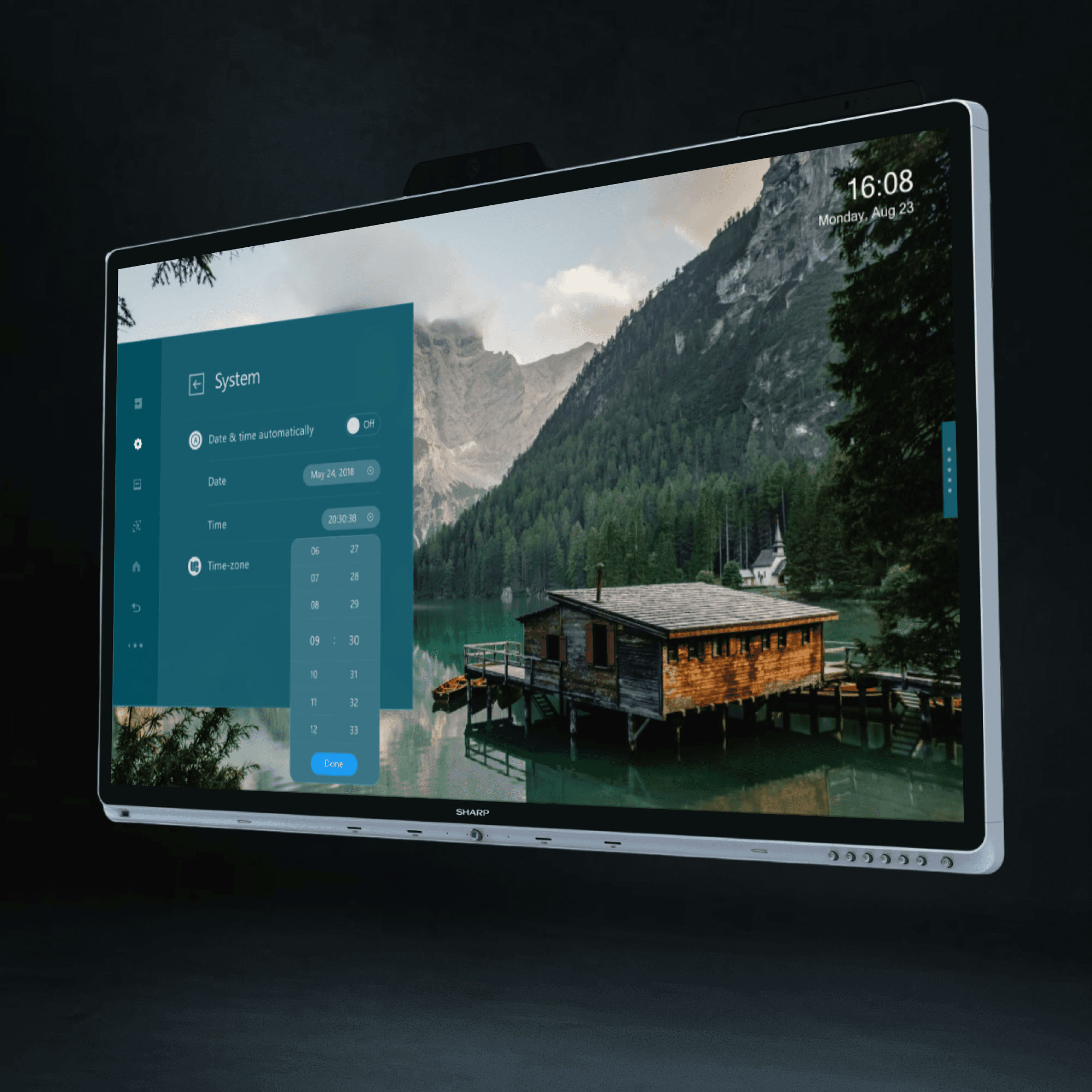
Home shows the clock, weather and room data over a quiet landscape. Touch brings up Windows, Teams, Skype and settings as panels in one blue system.
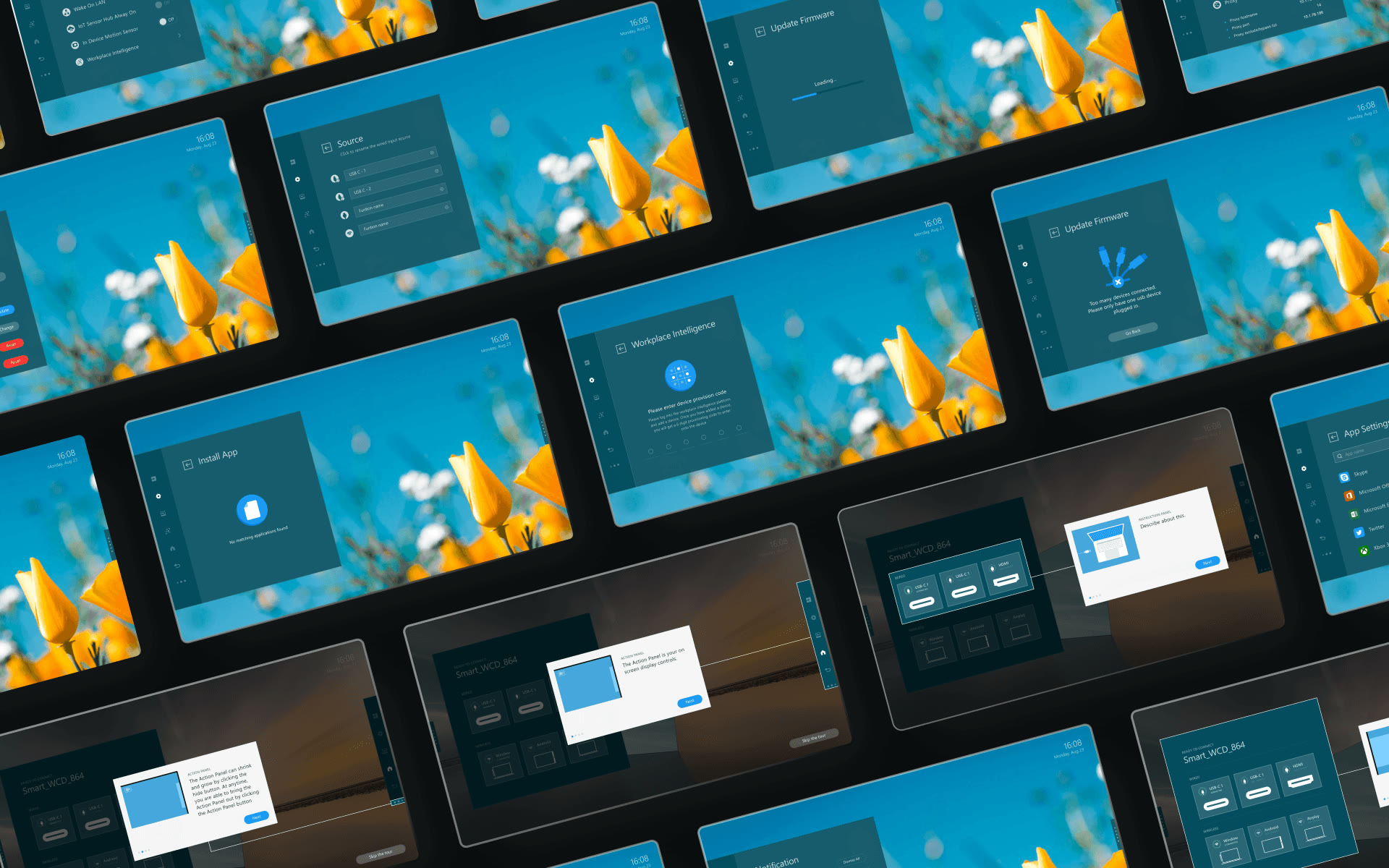
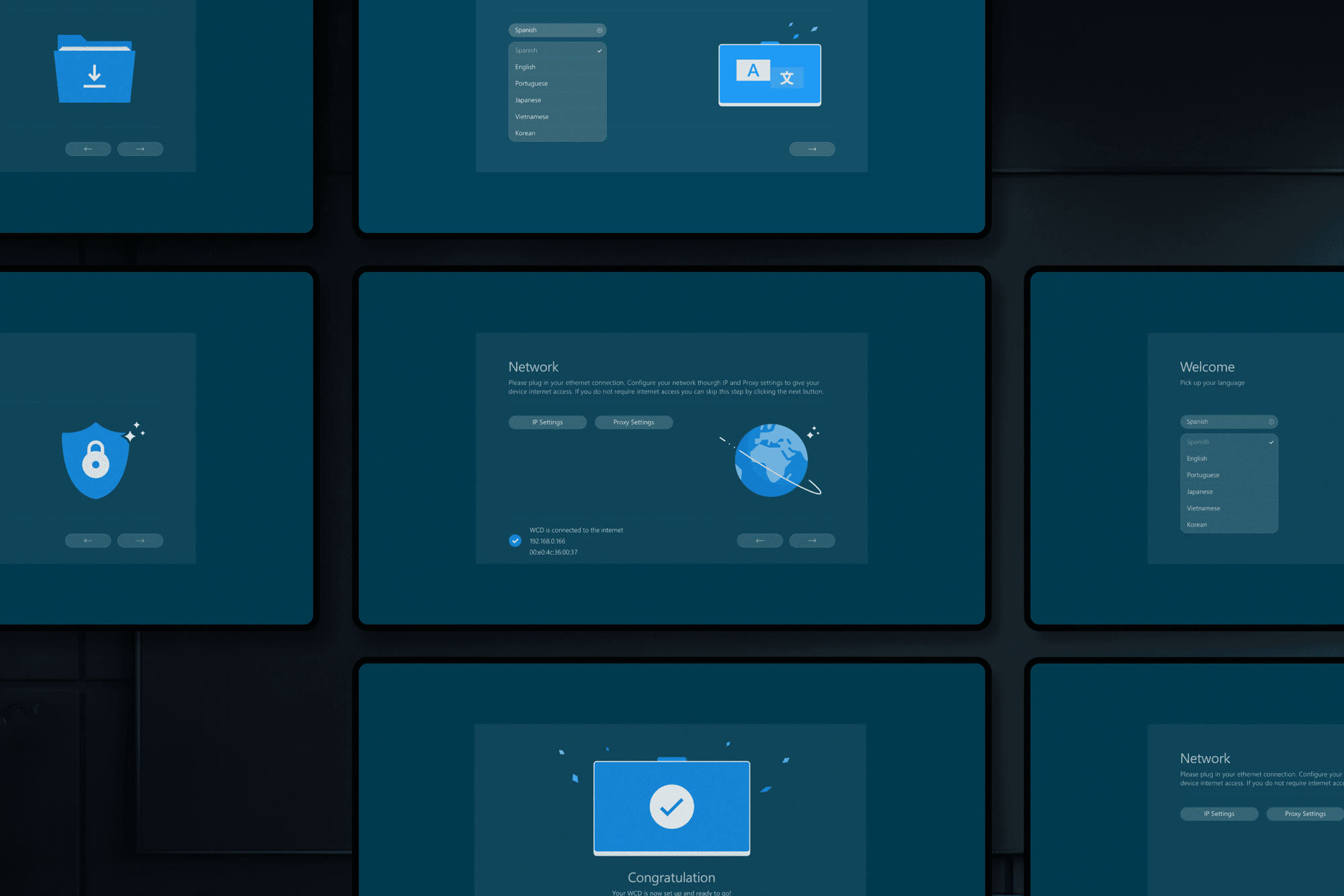
Sensor home screen and first-run setup.
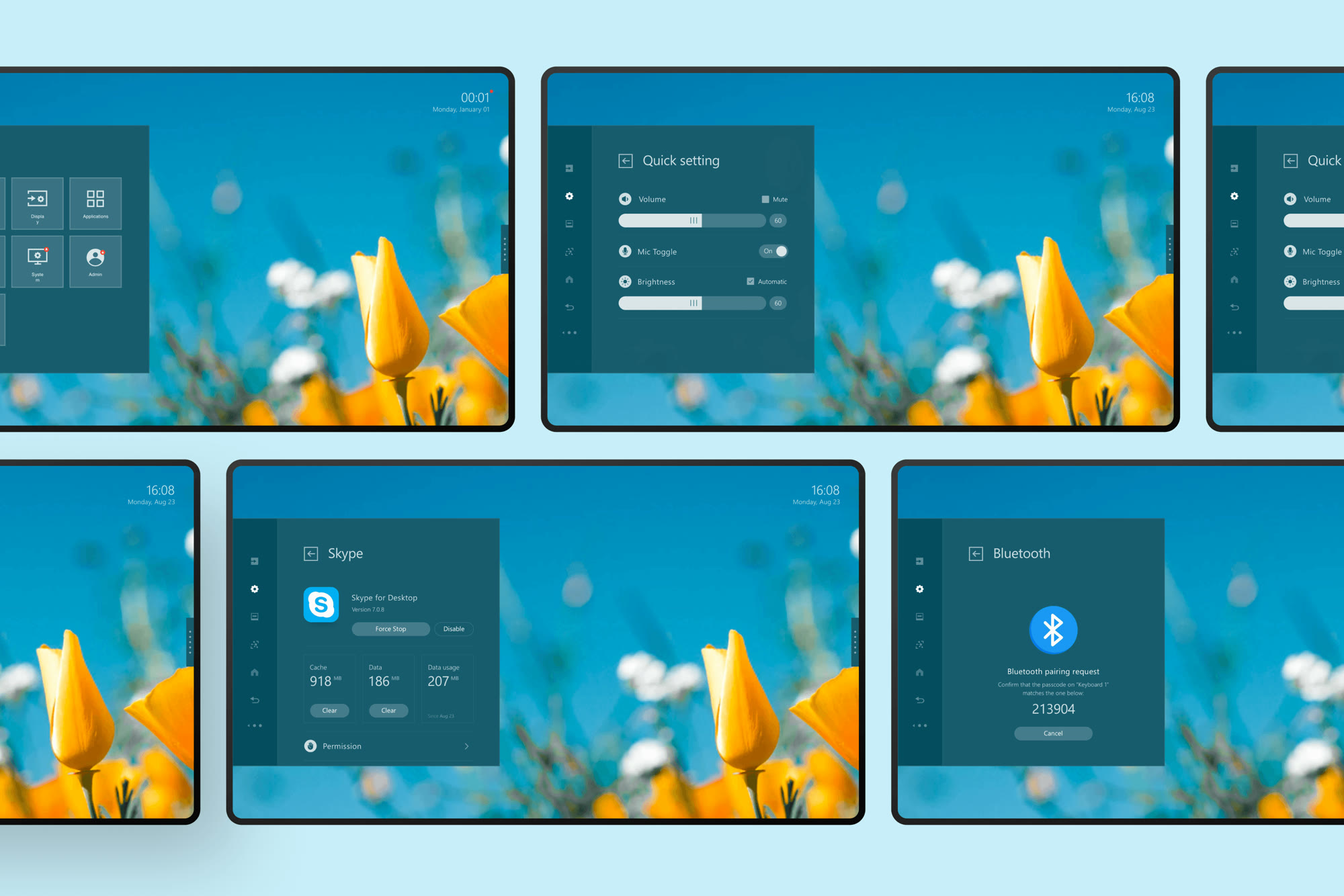
Design system
Sized for distance first.
Type, spacing and panels were set for reading across a room, then checked at arm's length. Every home theme and dialog is built from the same parts.
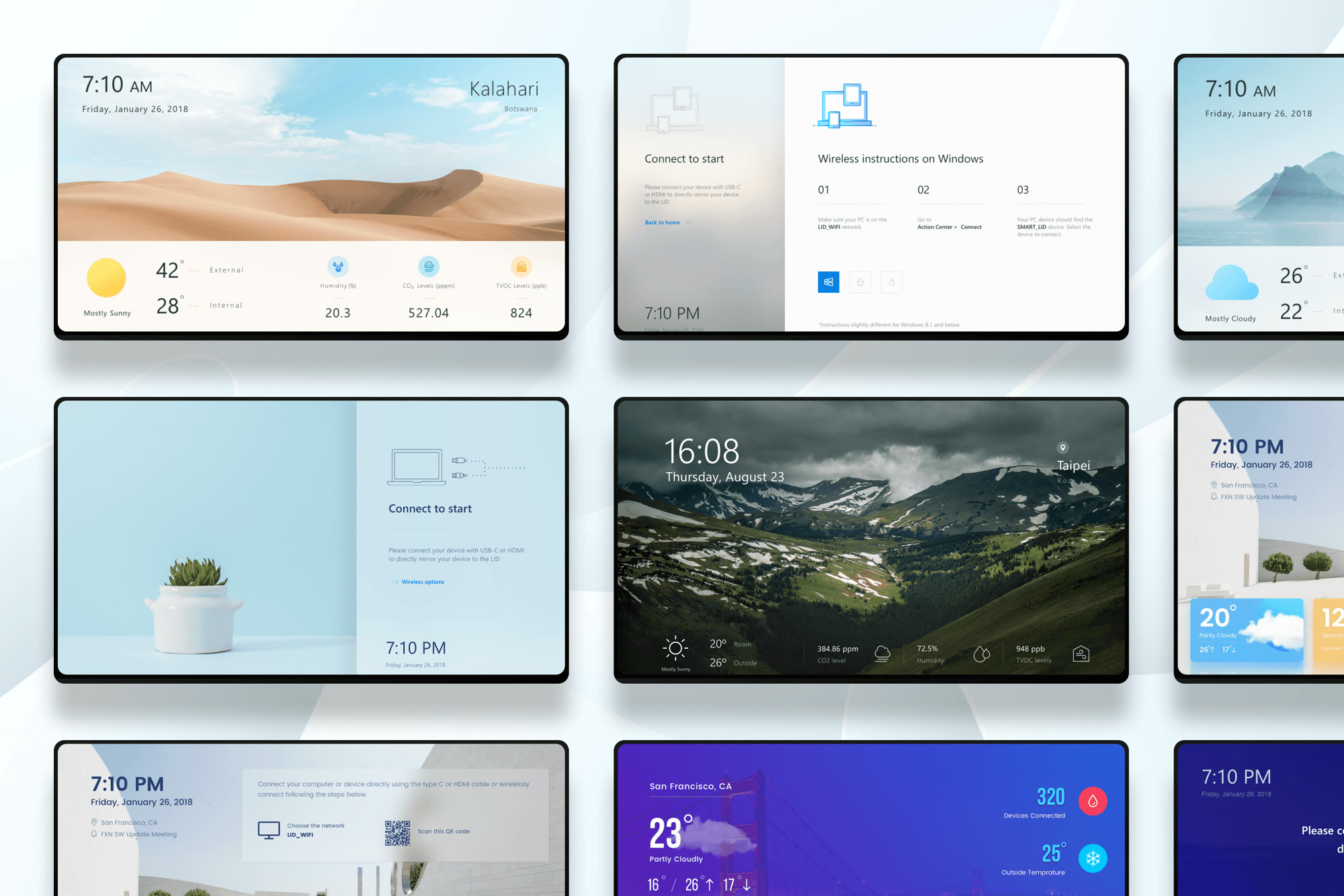
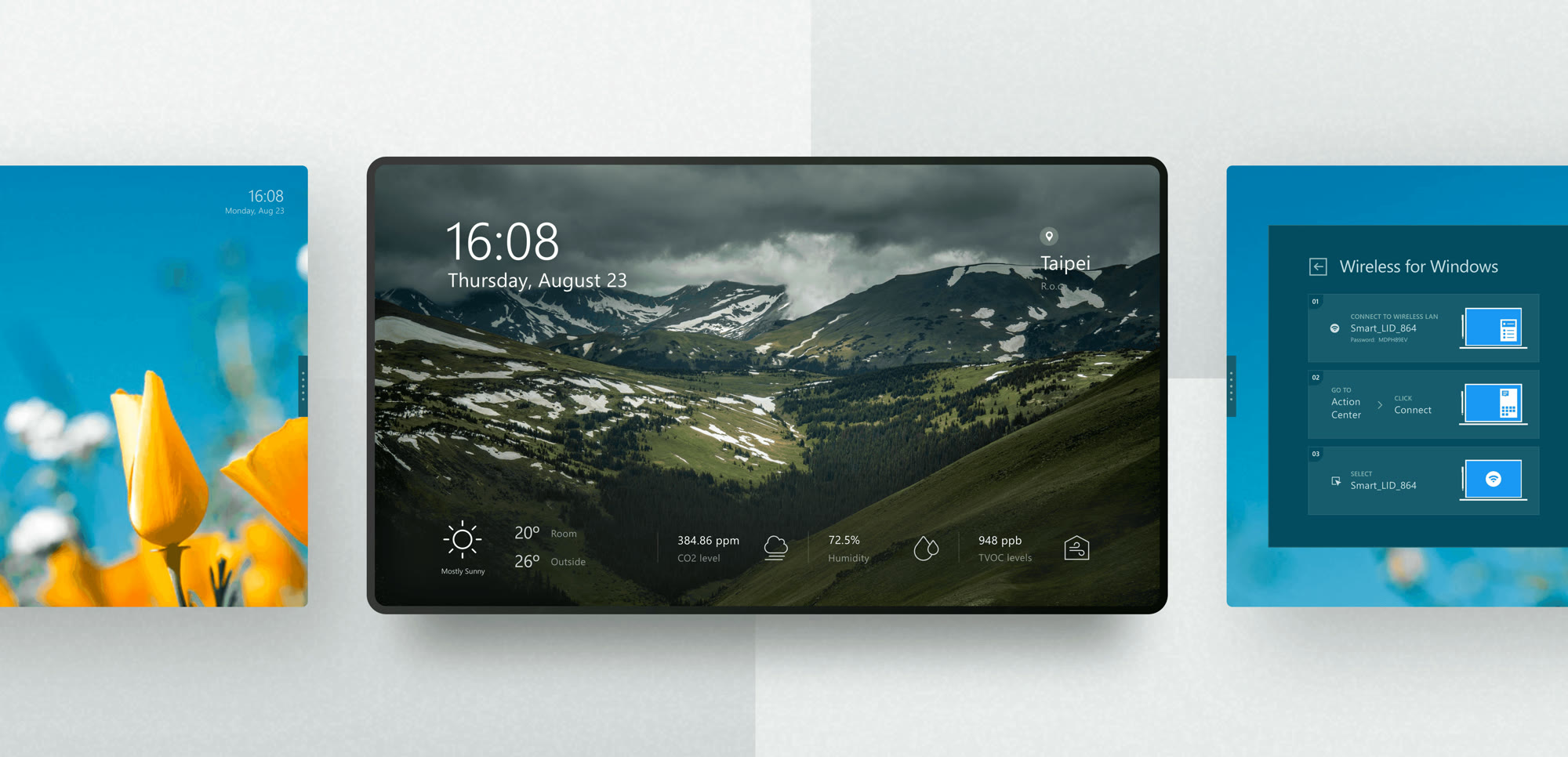
One component set, many home themes.
Reach & ergonomics
Every control within reach.
We mapped easy, OK and stretch zones on the panel and moved primary actions into a side dock, so shorter and seated people never reach up or stand in front of the content.
Browser sketch of the reach-zone rule. Values are illustrative.
Impact
From a team of ten to the ISE stage.
The display launched at the biggest AV and tech shows of the year and came home with two awards.
Best New Collaboration Board
Best of ISE Awards 2019, from rAVe [PUBS].
Top New Technology Award
TNT Award for displays at ISE 2019.
Shown at four global shows
ISE, InfoComm, Computex and Microsoft Ignite, in front of industry leaders and enterprise buyers.
Strong market feedback
A positive response from partners and buyers after launch.
Designed by Huy Pham as product designer at Soda Labs in Taipei, before founding PHAXIS Lab.
Huy Pham
Huy Pham
Soda Labs
Sharp, Microsoft
Windows, Azure, Teams
70" 4K touch, IoT sensors
Building hardware with a screen?
Get a design team that designs for the room.
Next case